iPad最佳繪圖App介紹
Finding the BEST iPad Painting Application

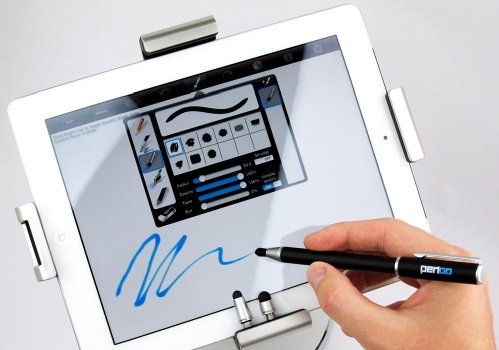
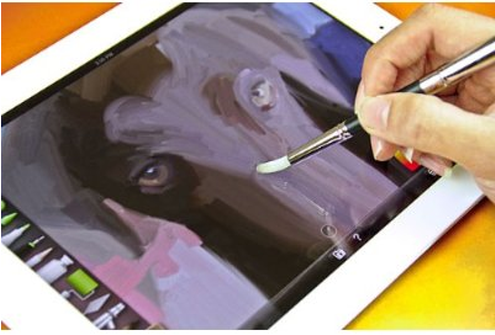
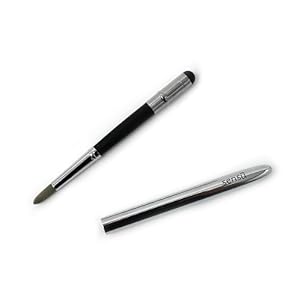
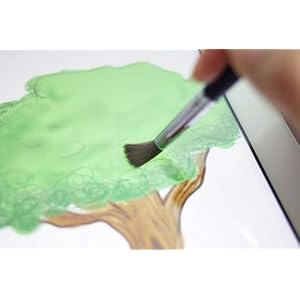
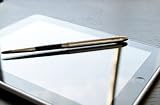
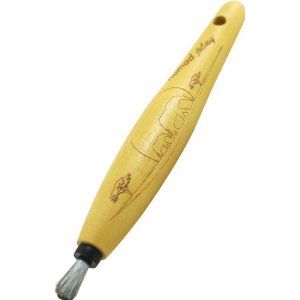
It is HELPFUL to have a good iPad Stylus Pen/Brush.
But it is absolutely essential to have a decentDrawing and Painting app for the iPad. Fortunately this page highlights 5 very good ones.
All of these iPad drawing apps are decent quality. The differences between the apps are more ones of personal preference and what the user experience. The important fact is that with an iPad and one of these fairly simple iPad painting apps you no longer need a art oriented laptop or full system filled with expensive programs. These simple iPad art applications can get the job done.
This lens will show you the BEST of these iPad Painting APPS, including some of these apps that are alittle bit more for specialized iPad painting including an iPad Sketching and Drawing App and a Watercolor Specific iPad Paint App.
If you have a little bit of talent, any sort of iPad, a stylus and a iPad painting app for the iPad you too can be creating incredible art.
SketchBook Pro for iPad
#1 iPad Painting App
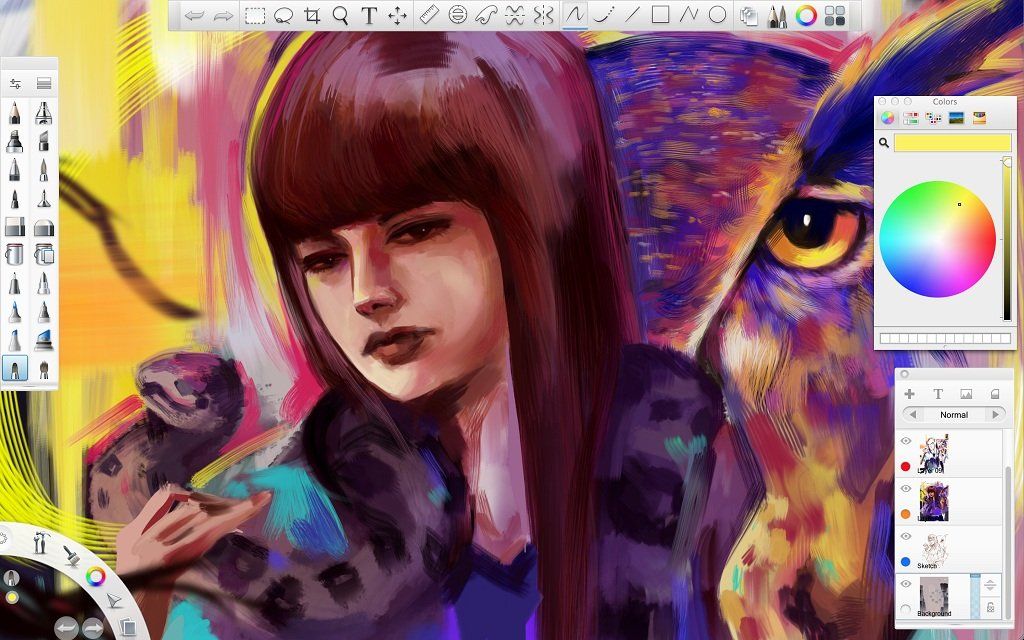
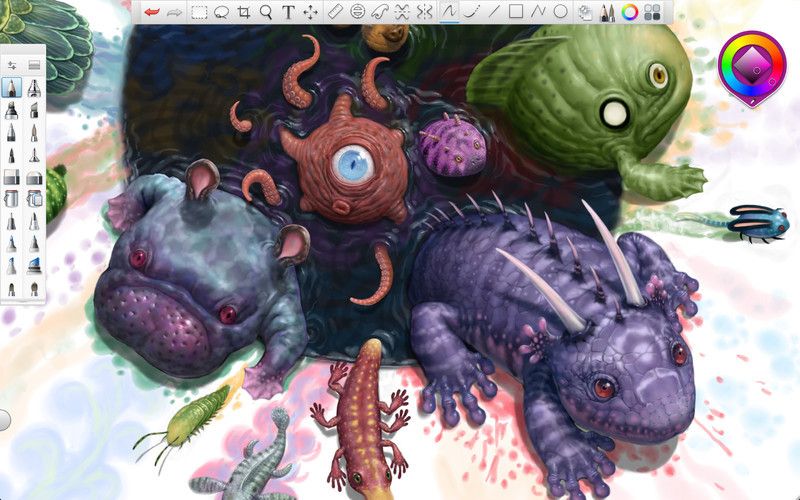
 The SketchBook Pro for iPad app is a lightweight version of the powerful art program Sketbook pro. It is an powerful, but still light application that is loved by digital artisits and is available on all versions of the iPad.
This is a professinal grade program that still sells for a very reasonable price. It contains a huge variety of digital markers, pens, pencils and airbrushes to create some stunning art from the screen of your iPad. This application is powerful...but it is also fast. This program works quickly and cleanly on your iPad for smooth and beautiful art.
This program has all photoshop style art options and can even import and export Photoshop files. When you use a good iPad Brush Stylus, this app actually makes expert level painting easier than doing it on a blank canvas.
With a good stylus, a good digital artist can create a variety of art on the iPad, from a quick sketch to a more involved and detailed digital painting.
Art done with SketchBook Pro:

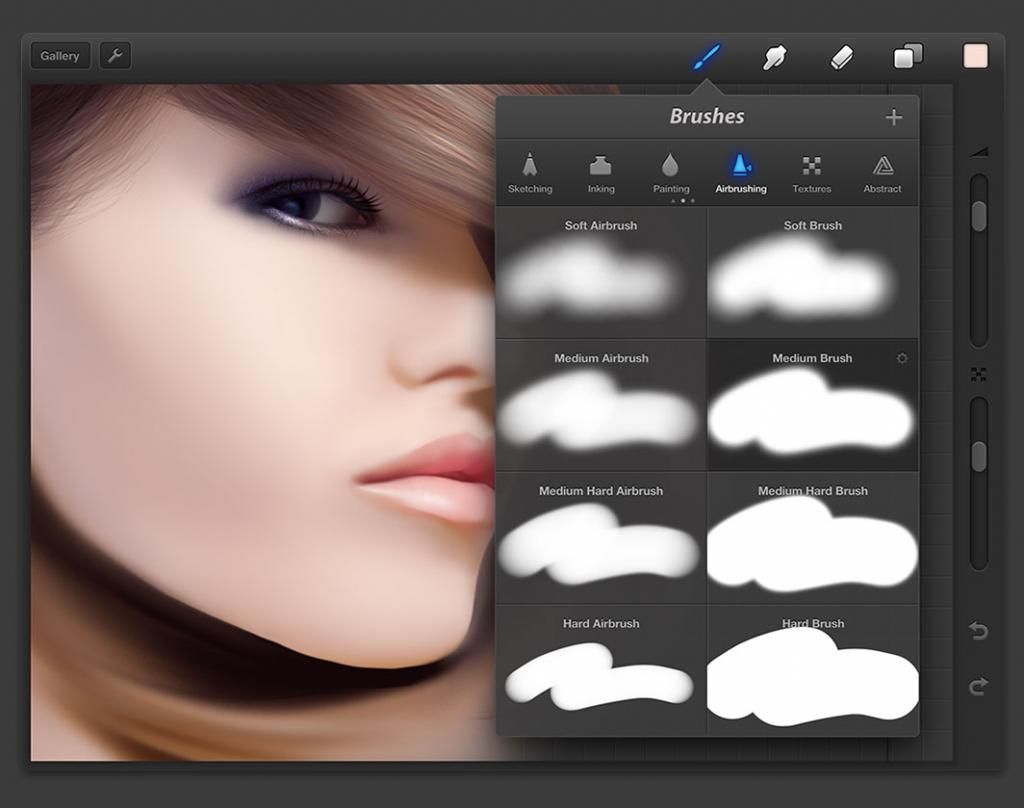
Procreate iPad Sketching and Painting apps
#2 iPad Painting App
 Procreate is another lightweight program. The strength of this art program is that it does not have screen after screen of pop ups.
There is an easy to use UI with slider controls that will allow the user to change the brush size, opacity, color, layer, smudging and all the other important choices for expert artistic rendering as you work.
Procreate is a powerful artistic tool and will be well loved as an iPad painting app for any budding artist.
Art done with Procreate

Paper by Fiftythree iPad Drawing/Sketching App
#3 iPad Sketching App
 If you are not looking to created polished professional pieces, but are more interested in skecthing quick designs and art rapidly and with litte interfernce from a large and clunky UI, this is the tool for you.
Paper By Fifetythree is a FREE iPad Drawing Appthat has a very uncluttered feel and display. This is a iPad drawing and sketching app that does not have unnecessary frills, buttons dn doodads, but still has everything you need to make the wonderful sketches and designs.
Art done with Paper by Fiftythree: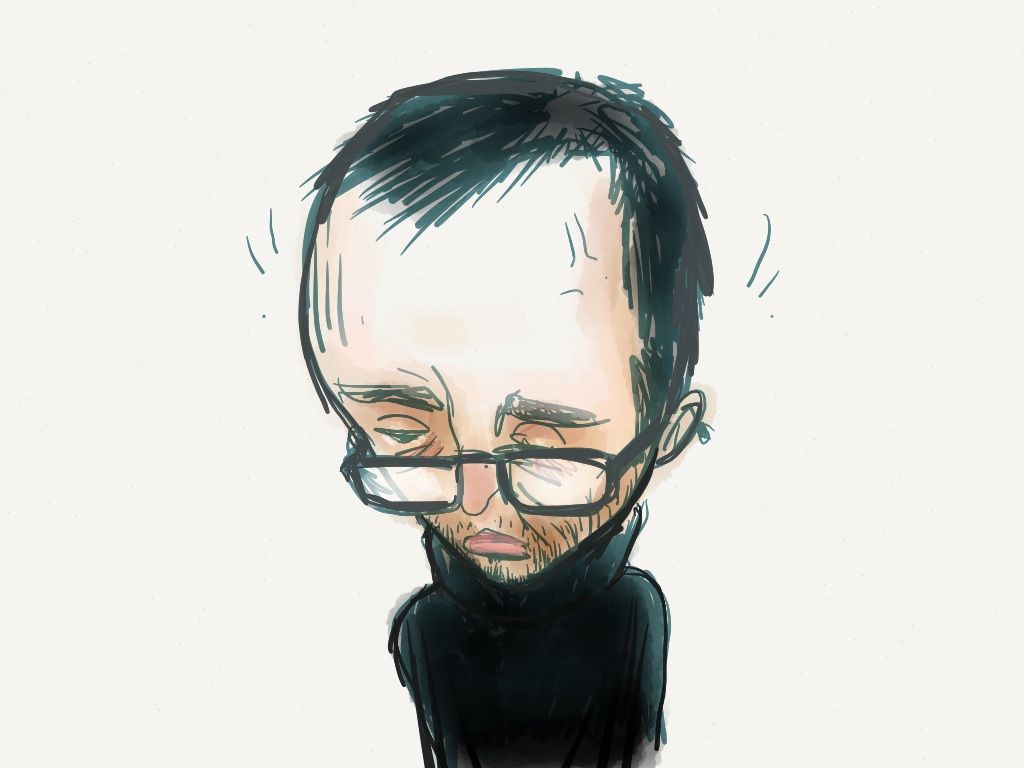
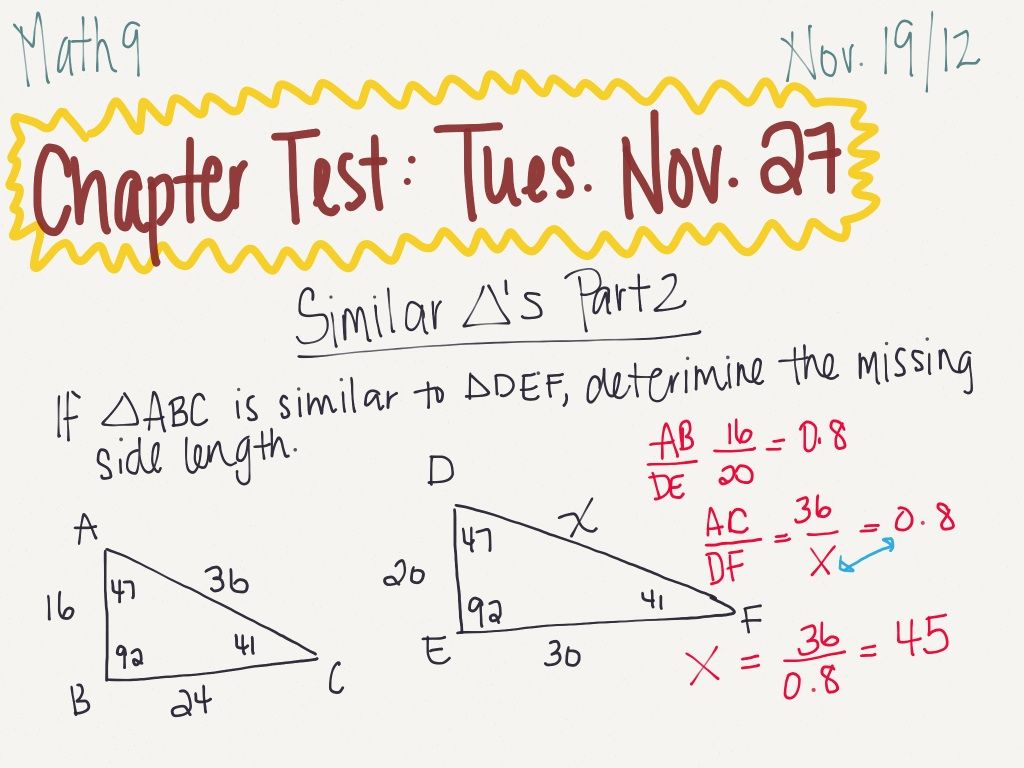
ArtRage Realistic Art App for the iPad
#4 Ipad Painting and Drawing App
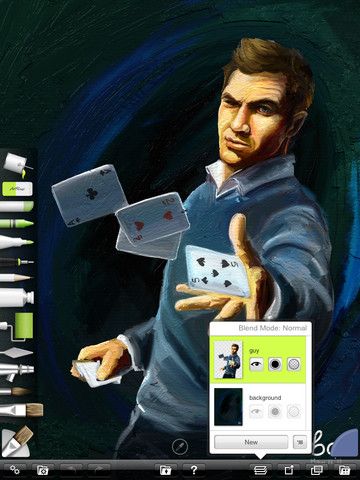
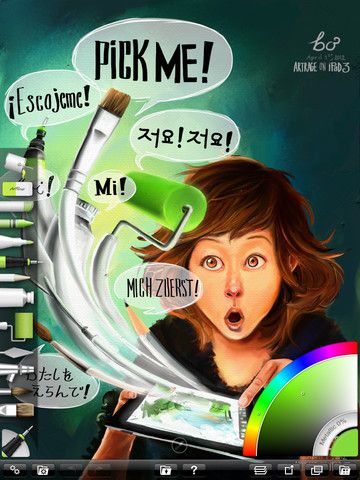
 Art rage is the most intuitive program for an artist or painter who does not have a lot of knowledge of how to use PC and tablet based art programs.
It has a huge variety of presets for both canvas and paper, ads well as a huge collections of rollers, Pastels, pencils, brushes, crayons and other art materials.
After that it is very close to just painting in real life. You can paint directly to the screen of your iPad, you can even apply daubs of paint, mix them, and use them to paint. But just because ArtRage has some realistic features, that does not mean that it does not also have some of the advantages of working on a PC or tablet for you painting and art. It is easy to change colors, brush size, blend colors and work with different layers of your artwork.
Auryn Ink for the iPad
#5 iPad Watercolor Painting Apps
 Just like the Paper by Fifetythree App is dedicated to Drawing and Sketching. This final option is also a specialists option. Auryn Ink is dedicated toWatercolor art and painting on the iPad
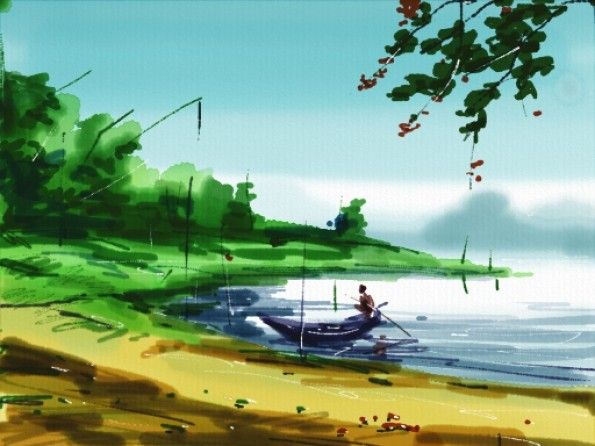
There are many variables with this iPad Watercolor App as you work with it. You can adjust brush tips and different effect bristles, as well as the amount of water on your brush and the texture and type of canvas.
What this gives you is very realistic watercolor art on your iPad. As you use the app to paint, the iPad will mimic the effect of the canvas soaking up the water as you paint your brush strokes, making each and every brush stroke slowly fade in color, depending on all the variables...just like real watercolor painting.
Watercolor Painting done with Auryn Ink on IPad: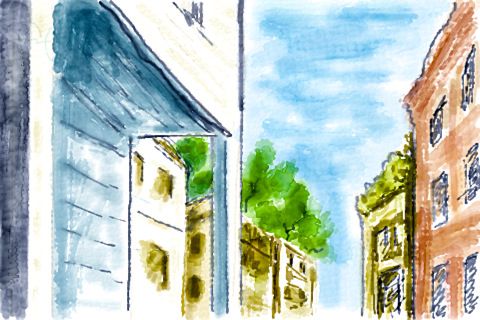
Stylus Brushes for iPad Art

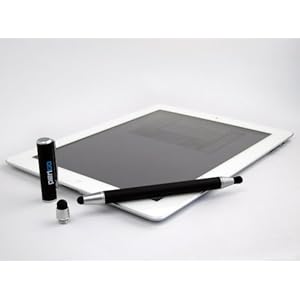
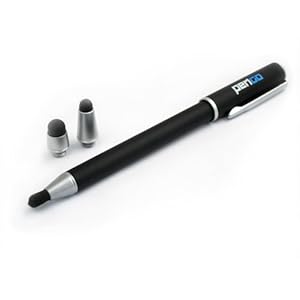
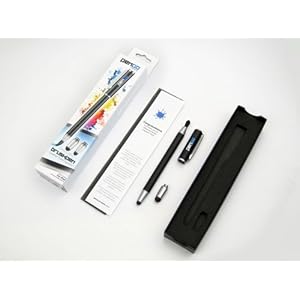
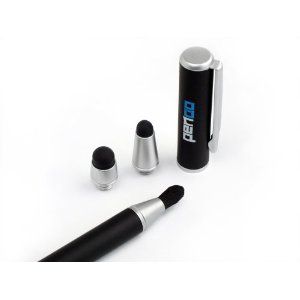
PenGo BrushPen Stylus for iPad and touch screens
Amazon Price: $20.50 (as of 11/30/2012) 
List Price: $39.99

Nomad Brush Play Paintbrush Stylus, Astro, Blue
Amazon Price: (as of 11/30/2012)
List Price:

3-Pack of Premium Branded 5.5" Thin-Tip High Precision Universal Capacitive Stylus Pens + Extra 3 Replaceable Tips + 2x 15" Detachable Elastic Tether Strings / Lanyards + The Friendly Swede Microfiber Cloth and Retail Packaging - 8 Available Color Combinations! (Aqua Blue/Dark Blue/Purple)
Amazon Price: $11.99 (as of 11/30/2012)
List Price: $12.99

Capacitive Art Stylus with Drawing Tip , Microfiber Cloth , and Accessory Bag for Samsung Galaxy Tab 2 , Google Nexus 10 , ASUS Transformer Pad Infinity TF700T and Many More Tablets
Amazon Price: $6.99 (as of 11/30/2012)
List Price: $19.99

Wacom Cintiq 6D Art Pen - digitizer pen ( ZP-600 )
Amazon Price: $57.99 (as of 11/30/2012)
List Price: $69.95
PC Based Art Programs
Get FULL versions of these programs for your PC

SketchBook Pro 6
Amazon Price: $29.99 (as of 11/30/2012)
List Price: $59.00

procreate Painter 7
Amazon Price: $97.95 (as of 11/30/2012)
List Price: $499.99

Autodesk Sketchbook Pro 2011
Amazon Price: $92.79 (as of 11/30/2012)
List Price: $59.00

Painter 12 for PC [Download]
Amazon Price: $180.00 (as of 11/30/2012)
List Price: $429.00

PaintShop Pro X5
Amazon Price: $35.99 (as of 11/30/2012)
List Price: $79.99
Guides to Painting your Digital Masterpiece on iPad (and PC)
Digital Painting For Beginners
Digital Painting for the Complete Beginner
by: Carlyn Beccia
Amazon Price: $12.23 (as of 11/30/2012)
List Price: $24.99
If you are just getting started trying to learn how to create your own digital art this is a great guide to help you get started on the right path
Digital Painting Techniques, Vol. 2

Digital Painting Techniques, Vol. 2
Amazon Price: $30.25 (as of 11/30/2012)
List Price: $49.99
A contiuation of the Guide to learn masterpiece digital painting techniques
Digital Painting Techniques, Vol. 3

Digital Painting Techniques, Vol. 3
by: Robh Ruppel, Ignacio Bazan Lazcano, Chee Ming Wong, Richard Tilbury
Amazon Price: $31.46 (as of 11/30/2012)
DC Comics Guide to Digitally Drawing Comics
Drawing Cutting Edge Anatomy: The Ultimate Reference for Comic Book Artists
by: Christopher Hart
Amazon Price: $10.00 (as of 11/30/2012)
More training For iPad Artists

Digital Painting Techniques: Volume 4
by: Ian McQue, Simon Dominic Brewer, Serge Birault
Amazon Price: $30.31 (as of 11/30/2012)
List Price: $49.99

Digital Painting Techniques: Practical Techniques of Digital Art Masters (Masters Collection)
by: 3dtotal.Com
Amazon Price: $31.14 (as of 11/30/2012)
List Price: $49.95

Manga: The Ultimate Guide to Mastering Digital Painting Techniques (ImagineFX)
by: ImagineFX
Amazon Price: $13.47 (as of 11/30/2012)
List Price: $24.95

Digital Painting Tricks & Techniques: 100 Ways to Improve Your CG Art
by: Gary Tonge
Amazon Price: $13.17 (as of 11/30/2012)
List Price: $24.99

d'artiste: Digital Painting
Amazon Price: $46.97 (as of 11/30/2012)
List Price: $75.00